
Introduction
A new plug-in for Summa was made to support Adobe Illustrator CC2019 on Mac.
Installation
Installation on Mac computer of the plug-in is done manually.
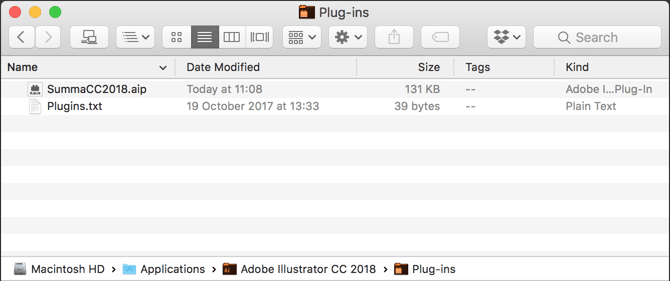
Copy the file “summaCC2018.aip” to the “plug-ins” directory of Adobe Illustrator CC.
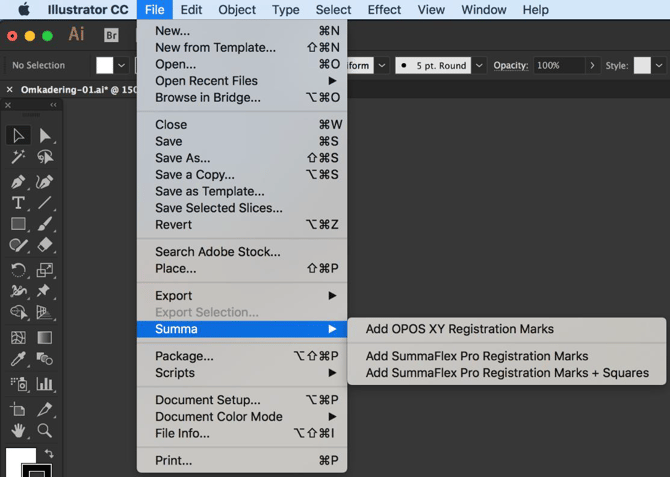
After installation you should find the plug-in in the file menu of Illustrator.
Download
The Summa Mac Plug-in for Illustrator CC 2018 – 2019 can be downloaded from the Summa website.