
When installing a VJ-628 printer, a lot of support topics handle about communication failures.
In general, many people experience the following: the VJ-628 printer unit can not be addressed.
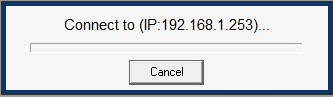
In order to solve these issues, we gathered the most common problem solutions for your connectivity malfunctioning.
Extra information
Every Mutoh ValueJet 628 printer leaves our factory with a default IP address:
IP: 192.168.001.253
Subnetmask: 255.255.255.0
How to start up your unit?
Via the ValueJet Printer Startup Assistant, you will be guided step by step during the installation process.
The most tricky part of this installation procedure is to configure a successful communication setup / connectivity.
Notwithstanding a ping command activity is valid, it might be possible that no communication between the Mutoh software tools (VSM, MSA, Finder, ...) and the printer can be achieved.
Certain network / computer configurations can be the reason for such a behavior.
Therefore it is IMPORTANT to have these computer / network configurations set correctly in advance.
Some tips:
- Switch off / disable your antivirus.
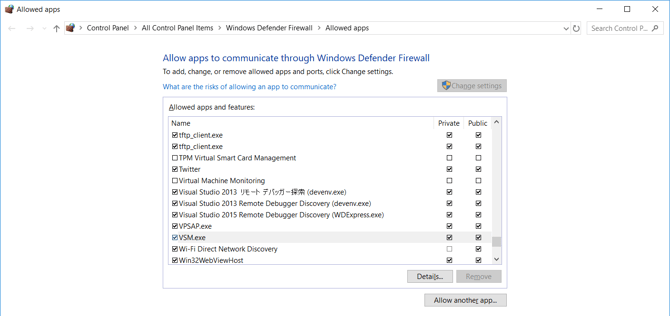
- Swith off / disable your windows FireWall settings. It is possible that the Mutoh software tools are blocked by this.
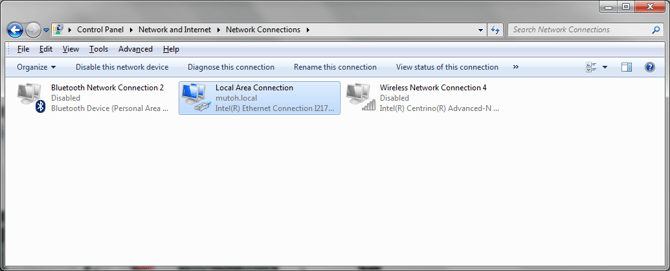
- Switch off / disable your WIFI connection (Reason: when two networks are enabled, a malfunctioning might be valid).
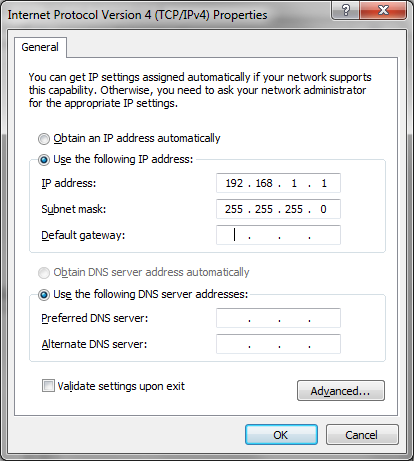
- Try to receive a reply via a direct connection.
- Try using another computer
Other possibilities that might be guilty for not having any connectivity with our printer
- Network cable
- Network plug on printer broken
- IP address computer / printer not in same network range (example: 192.168.1.x)