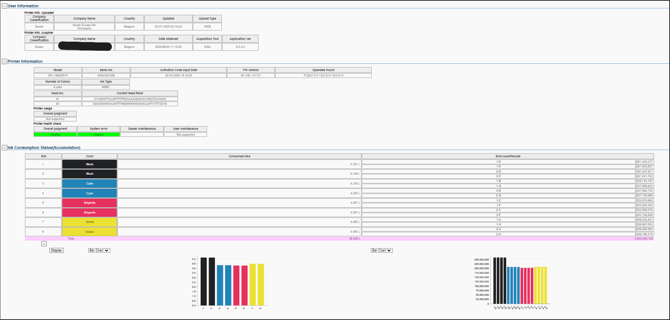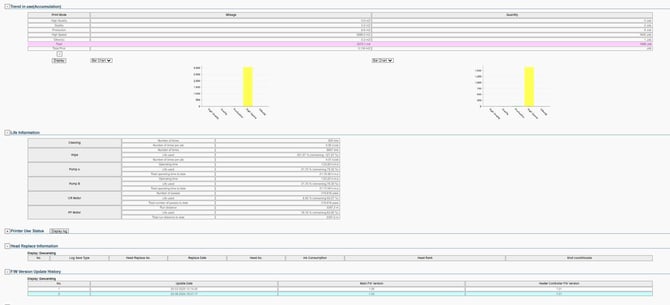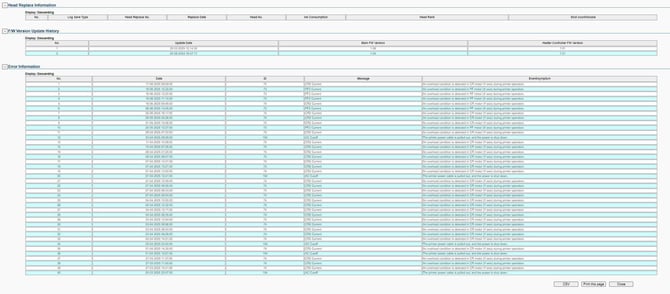
The RDI file contains logging data of the printer.
This data can be analysed by means of the MSA tool (see procedure for MSA) and also with the help of your Mutoh Club User Account.
A very important parameter to check here is to see if the operator has performed the required maintenance. The frequency depends on the ink type and can be checked as explained in the movie of the MSA tool and/or in the article below.
Instructions for RDI File Data Analysis
Step 1: Log In
-
Log into your Mutoh Club User account.
-
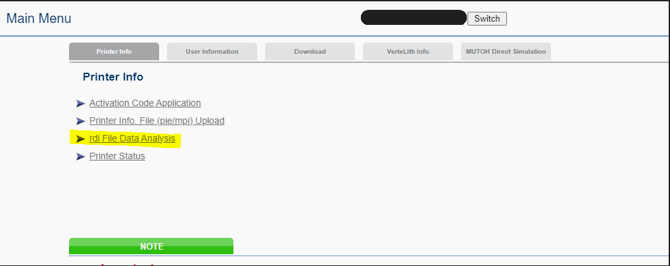
Select "RDI File Data Analysis" from the menu.
 |
Step 2: Upload the RDI File
-
Click "Choose File".
 |
-
In the comment field, enter the customer's name.
-
Click "Upload".
 |
Step 3: Confirmation Messages
-
After uploading, a message will appear – click "OK".
 |
-
After some time, another message will appear – again, click "OK".
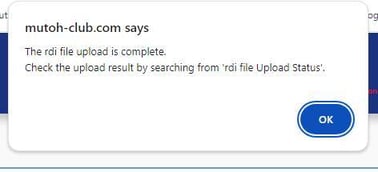 |
Step 4: Search for the Printer
-
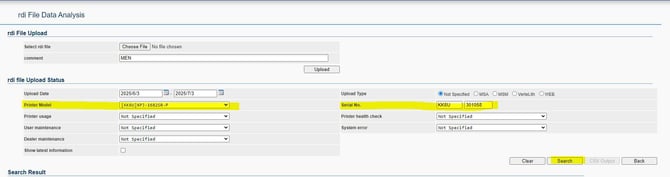
Select the printer model.
-
Enter the serial number.
-
Click "Search".
⏳ Note: This may take a while.
Step 5: View Device Details
-
Once the results are loaded, you will see the Printer on the overview.
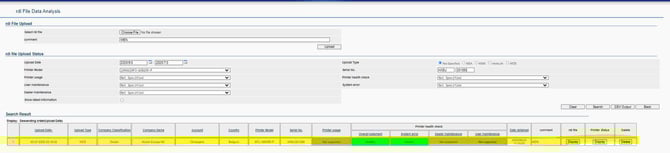
-
Click on "Display" (see red circle in the original interface).
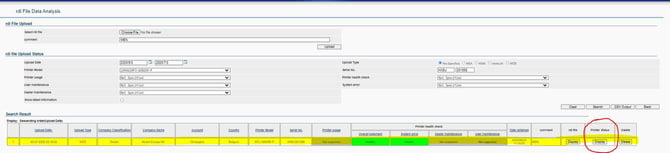
-
A new window will open showing all the details of the device.